Commercial buildings
Maintenance software for commercial buildings
Tenant requests, HVAC, elevator and life-safety maintenance, and the contractors who do half the work, in one system for every building you run. BuildingHelm sets it up from your drawings, O&M manuals and closeout binders in a day.

Sample data. Northfield University is a fictional university.
The problem
Tenants call, vendors email, and the binders live in the basement
In an office building or a portfolio of them, requests come from everywhere: a tenant's email, a call to the management office, a note at the front desk. Some become work, some get done twice, and some get lost until the tenant calls again.
Much of the work is done by contractors. The elevator company, the HVAC service contract, the fire alarm vendor, the roofer. They show up, do the work and send a PDF days later, if at all. When the insurer or the fire marshal asks for the inspection history, you go looking through email.
And when a building changes hands or gets a new chief engineer, the knowledge about every rooftop unit and backflow preventer walks out the door. The closeout binders are still in the basement. Nobody has time to type them into a system.
How BuildingHelm handles it
Every request, schedule and vendor visit, on the right building
BuildingHelm keeps one record for each site, building, floor and suite, and runs the day-to-day work against it: tenant requests, preventive maintenance, contractor visits and the capital plan.

Tenant requests without a login
Tenants report a problem from a QR label in the suite or a link you share. They add photos, get a tracking link by email and hear back when it's done. See work orders.
HVAC, elevator and life-safety PM
Recurring schedules for rooftop units, chillers, elevators, generators, fire pumps and backflow preventers, assigned to your engineers or a vendor. See preventive maintenance.
Contractors in your system
Vendors log their visits, hours, photos and results from their phones, see only the work you assign them, and keep their insurance certificate on file. See the contractor portal.
Inspection records on demand
Code-required inspections with results and certificates, in a PDF or Excel report for the fire marshal, the insurer or a buyer's due diligence. See compliance tracking.
Punch lists for fit-outs and turnovers
Walk a suite before a tenant moves in or after a renovation, capture each item with a photo and send the list to the contractor. See punch lists.
Capital planning by building
Replacement years and cost estimates for major equipment, a deferred maintenance backlog and an FCI for each building. See capital planning.
Warranties that pay
A warning that equipment may be under warranty appears before anyone pays for the repair, and reminders go out before coverage ends.
Manpower and cost reports
How many people worked in each building and for how long, your own engineers and your contractors, and cost by building for the roles allowed to see it.
Set up in a day
Set up from the closeout binders you already have
Every commercial building comes with a stack of turnover documents. Import them one building at a time, as PDFs, scans, photos, ZIP archives or whole folders. The AI reads every page and proposes each building's floors, rooms and equipment, with warranties and maintenance tasks from the manuals. Your team checks each item, with the source page beside it.
What you can upload
- Architectural and MEP drawings
- O&M manuals and equipment submittals
- Closeout binders and warranty letters
- Service contracts and old equipment lists
How it works
From setup to a working routine
Step 1: Upload your building documents
Drawings, O&M manuals and closeout binders, as PDFs, scans, photos, Word and Excel files, ZIP archives or whole folders, one building at a time. Spreadsheets work too.
Step 2: Review what the AI found
Accept, edit or skip each building, suite and piece of equipment, with the page it came from open beside it.
Step 3: Put QR labels on equipment and suites
Print labels on standard label sheets. Your engineers scan one to open the asset; tenants scan one to report a problem.
Step 4: Invite your engineers and your vendors
Engineers get the Technician role. Contractor companies are invited by email and see only what you assign them.
Step 5: Run every building from one queue
Requests, preventive maintenance and vendor visits come together, and the daily digest says what's due.
One system works for a single office building or a mixed portfolio of offices, schools and medical buildings. Book a demo and we'll show you a building set up from sample documents.

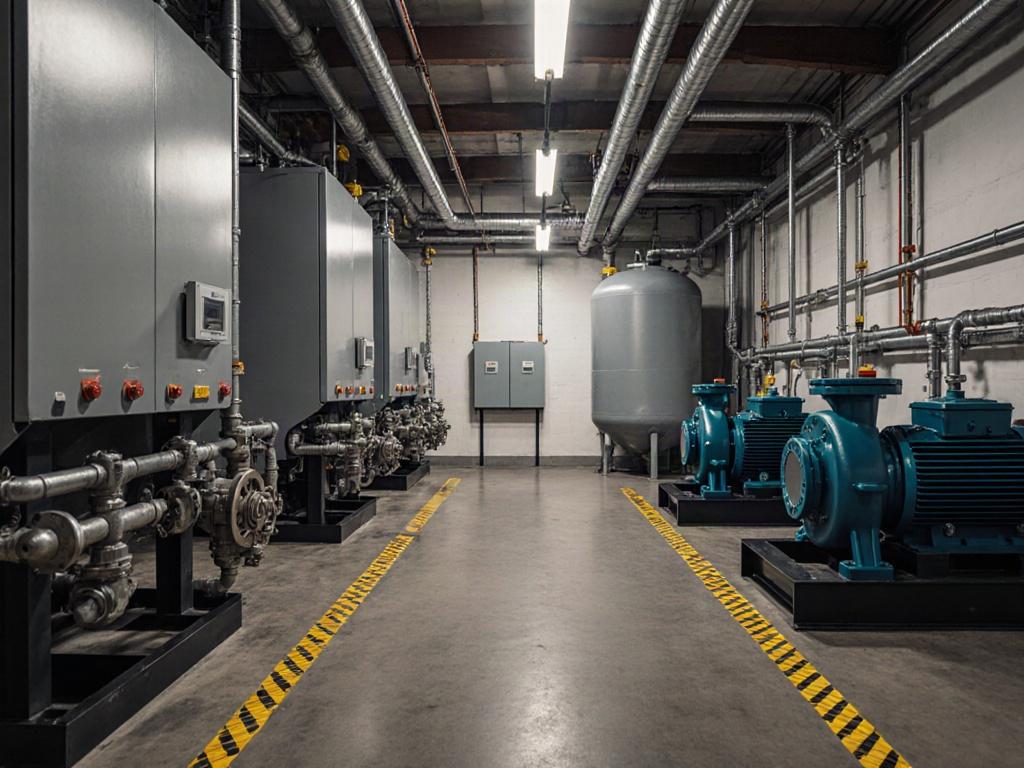
Illustrative photo.
Who uses it
Built for the crew, and the people they report to
The facilities team
Property and facilities managers review requests, assign work to engineers or vendors, and watch what's overdue in every building.
Technicians
Building engineers see their jobs on a phone, scan a QR label to open the equipment, and mark work done with hours, notes and an after photo.
Contractors
Vendors log their own visits and results, keep their insurance certificate current. They never see your costs or other vendors.
Finance and leadership
Owners and asset managers get a read-only view of the capital plan, FCI and cost by building, exported to PDF or Excel.
FAQ
Frequently asked questions
Is BuildingHelm a tenant portal?
Can we bill work back to tenants?
Does it work for a portfolio of buildings?
Does it connect to our accounting or building automation system?
Keep reading
Related pages
- Contractor portalOne vendor login for every owner, with access limited to assigned work.Read more
- Preventive maintenanceRecurring schedules, reminders and a clear list of what's overdue.Read more
- Compliance and inspectionsCode-required inspections, results and certificates in one report, ready for an audit.Read more
- Healthcare and senior livingLife-safety and generator testing logs, urgent work first, and records ready when the surveyor asks.Read more
See your buildings in BuildingHelm.
We'll show you a site set up from sample building documents, walk through the day-to-day work, and talk about what setting up yours would take.
Already a customer? Create your account.