Healthcare and senior living
Facility management for healthcare and senior living
In a hospital, clinic or senior living community, the building is part of the care. BuildingHelm keeps your life-safety and generator testing logs, gets urgent work done first, and has the records ready when the surveyor asks.

Sample data. Northfield University is a fictional university.
The problem
When the surveyor arrives, the records have to be there
Healthcare facilities teams test and inspect constantly: emergency generators, transfer switches, fire alarms, sprinklers, fire doors, medical gas, emergency lighting. Each test needs a dated record with who did it and what they found.
Those records often live in binders, in vendors' emails and in a spreadsheet on one person's computer. When the surveyor or the fire marshal asks for a year of generator tests, someone spends a day pulling them together and hoping nothing is missing.
Meanwhile the work never stops. A call light, a leaking ceiling over a resident's bed or a failed nurse call can't wait in the same queue as a squeaky door.
How BuildingHelm handles it
Tests, inspections and repairs, with the record kept every time
BuildingHelm treats every required test as scheduled work on a piece of equipment, with a result and a record each time, and puts urgent repairs at the top of everyone's list.

Generator and life-safety testing logs
Schedule weekly, monthly and annual tests on each generator, transfer switch, fire pump and alarm panel. Each test is logged with its date, who did it, the result, notes and photos. See compliance tracking.
Records ready for the surveyor
A compliance report for a building or a category, with every required schedule, its last test, result and certificate, in PDF or Excel. Statuses come from the dates, not from someone's typing.
Failed tests reach managers at once
Log a test as Fail and facilities managers are notified straight away. Turn it into a work order in a click.
Urgent work first
Every work order has a priority. Overdue emergency and high-priority work shows in the Needs you strip at the top of every manager's Home. See work orders.
Requests from nursing and staff
Staff report problems from a QR label on the unit or a shared link, without an account, and get a tracking link by email.
Contractors with a record
Generator, elevator and fire alarm vendors log their own tests and results from their phones, and keep their insurance certificate on file. See the contractor portal.
Preventive maintenance on every asset
Air handlers, chillers, boilers and sterilizer support equipment on recurring schedules, with the next due date moving forward on its own. See preventive maintenance.
An audit trail
Every change is recorded with who made it, when, and the values before and after. Nothing is hard-deleted.
Set up in a day
Set up from your life-safety drawings and equipment manuals
Import the documents your facility already keeps, one building at a time. The AI reads every page and proposes the building's floors, rooms and equipment, with warranties and maintenance tasks from the manuals. Your team checks every item, with the source page beside it, before it goes live.
What you can upload
- Life-safety and floor plan drawings
- Generator, fire pump and air handler manuals
- Closeout binders and warranty letters
- Past inspection and test reports
How it works
From setup to a working routine
Step 1: Upload your documents
Drawings, equipment manuals and closeout binders as PDFs, scans, photos, ZIP archives or whole folders, one building at a time, or an equipment spreadsheet.
Step 2: Review what the AI found
Accept, edit or skip each building, room and piece of equipment, with the page it came from beside it.
Step 3: Schedule the required tests
Add generator, fire alarm, sprinkler and other tests to each piece of equipment, and mark the ones that are required.
Step 4: Assign your crew and your vendors
Give each test and each schedule to a technician or a contractor company. They log results from their phones.
Step 5: Keep the record ready
Watch the overdue list and the daily digest, and run the compliance report whenever a surveyor or inspector asks.
Renovations close out with punch lists, and aging equipment feeds the capital plan. It works for a single clinic, a hospital with many buildings or a group of senior living communities. Book a demo and we'll show you a testing log built from sample data.
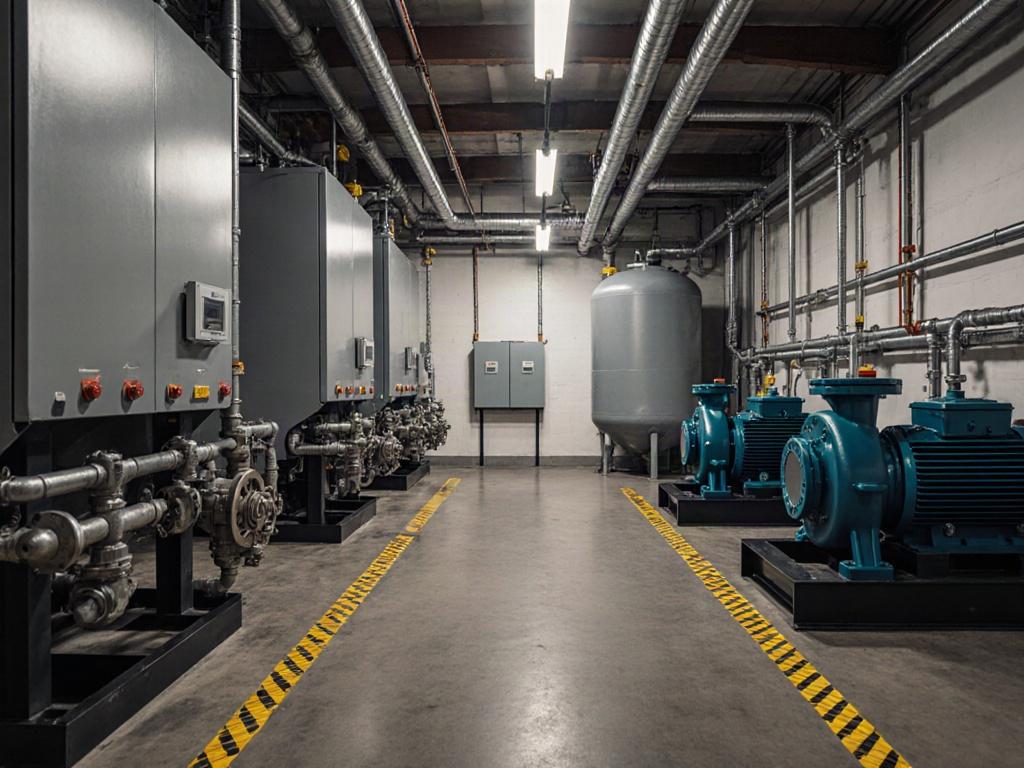
Illustrative photo.
Who uses it
Built for the crew, and the people they report to
The facilities team
Directors of facilities and plant operations set the testing schedules, watch what's overdue and hand the compliance report to the surveyor.
Technicians
Technicians log each test on a phone with the result and photos, and mark urgent repairs done the moment they're finished.
Contractors
Vendors who test generators, alarms and elevators log their own results and certificates, see only their assigned work.
Finance and leadership
Administrators and executive directors get a read-only view of the compliance register, capital plan and cost reports.
FAQ
Frequently asked questions
Does BuildingHelm make us compliant with Joint Commission or CMS rules?
Can we log weekly and monthly generator tests?
Is it built for patient information?
Does it work for senior living communities?
Do you have a SOC 2 report?
Keep reading
Related pages
- Compliance and inspectionsCode-required inspections, results and certificates in one report, ready for an audit.Read more
- Preventive maintenanceRecurring schedules, reminders and a clear list of what's overdue.Read more
- Contractor portalOne vendor login for every owner, with access limited to assigned work.Read more
- Commercial buildingsTenant requests, HVAC, elevator and life-safety maintenance, and the contractors who do half the work.Read more
See your buildings in BuildingHelm.
We'll show you a site set up from sample building documents, walk through the day-to-day work, and talk about what setting up yours would take.
Already a customer? Create your account.