Maintenance
Preventive maintenance software for universities and every building you run
Schedule recurring maintenance across every building, assign it to a technician or a contractor, and see in one list what's overdue, what's due soon and how reliably your crew finishes on time.

Sample data. Northfield University is a fictional university.
The problem
Preventive maintenance that depends on memory
Filters get changed when someone remembers. Belts and bearings get checked when a unit starts to squeal. On many campuses, and in plenty of office buildings and schools, the schedule lives in a spreadsheet or a calendar owned by one person. When that person is out, the work quietly stops.
The equipment is varied: rooftop units, boilers, chillers, elevators, generators, fire alarm panels and roofs. Some of the work is done by your own technicians and some by vendors under contract. Nobody has one view of what's due this month across every building, or what was done last time.
Skipped preventive work doesn't disappear. It shows up later as a failed unit, an emergency call and a replacement nobody budgeted for. Leadership asks how well the team keeps up, and without records the honest answer is a guess.
How BuildingHelm handles it
Every recurring task, on every asset, with a record each time
BuildingHelm attaches maintenance tasks to the equipment itself, so the schedule, the history and the person responsible live in the same place.

Recurring schedules
Add tasks such as "Replace filters, every 3 months" or "Belts, bearings and coil check, every 6 months". Frequencies run in days, weeks, months or years, with optional checklist steps.
Schedules from your manuals
When you import a building's documents, the AI proposes maintenance tasks from the O&M manuals, and adds standard tasks where a manual says nothing. You review each one.
The next due date moves itself
When a task is marked done, the next due date moves forward on its own, so nobody re-enters the schedule.
Maintenance and inspections
Each task is either preventive maintenance or an inspection, and can be marked as required by code. See compliance inspection tracking.
Your crew or your vendors
Assign a task to a technician or a contractor company. Vendors complete it from their phones through the contractor portal.
Due soon and overdue lists
Due soon covers the next 30 days. Both lists filter by building, category and assignee, and technicians start with the tasks assigned to them.
A daily digest, not a message per task
Each person gets one email and one in-app note a day: what's overdue, due today and coming up. Each person chooses what they get.
A record every time
Marking a task done logs the date, who did it, hours, parts, cost and photos, plus a Pass, Fail or Needs follow-up result for inspections.
On-time completion rate
Reports show how often tasks are finished on time, by building, so you can see where the schedule is slipping.
How it works
From setup to a working routine
Step 1: Get your equipment in
Set up from your drawings and O&M manuals, import a spreadsheet, or add equipment one piece at a time. Snap the nameplate and we'll fill in the make, model and serial.
Step 2: Add schedules to each asset
Choose a task, a frequency, a first due date and an assignee. Mark code-required inspections as such.
Step 3: Let the daily digest do the nagging
It goes to the assigned person and to facilities managers when work is coming due or overdue.
Step 4: Scan, then mark done
Scan the equipment's QR label from the Scan tab and its due task opens. Log hours, parts and photos, and the next due date resets.
Step 5: Review overdue work and the on-time rate
Work through the overdue list by building, and use the report to see where your crew or your vendors need help.
Maintenance findings can become work orders, and neglected equipment feeds the backlog behind capital planning. Book a demo to walk through a maintenance schedule with sample data.
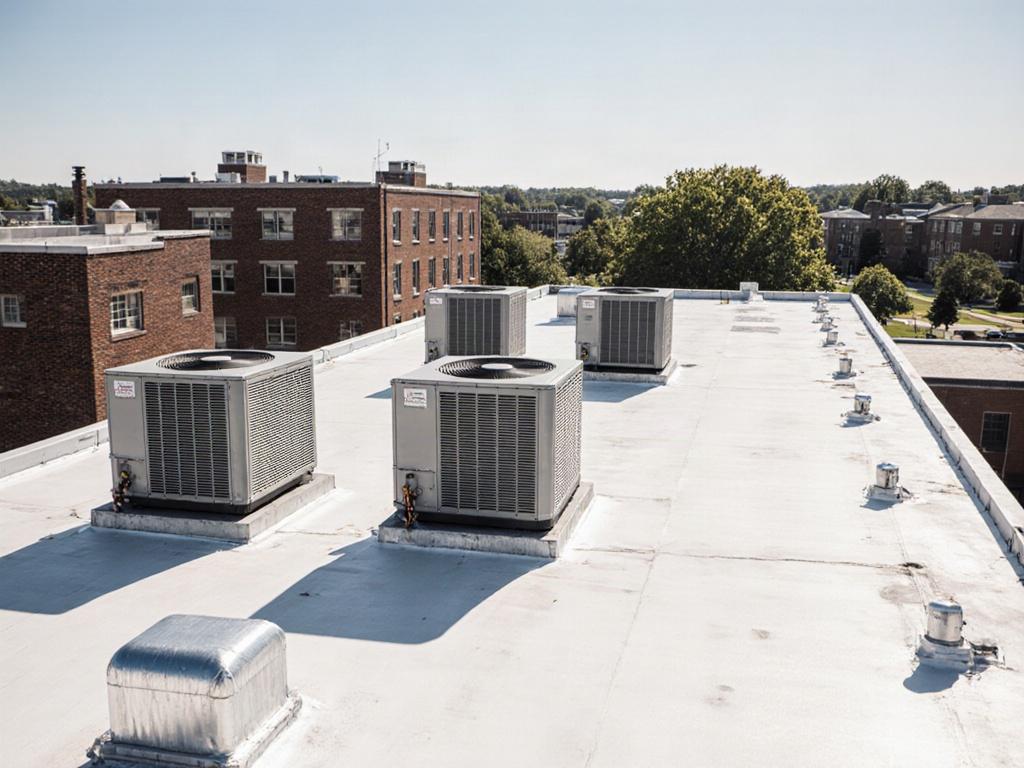
Illustrative photo.
Who uses it
Built for the crew, and the people they report to
The facilities team
Facilities managers set the schedules, assign them, watch the overdue list and report on-time completion by building.
Technicians
Technicians open their assigned tasks on a phone, work through the checklist, log what they did and attach photos.
Contractors
Vendors doing elevator, fire alarm or HVAC work log their own visits and results, and see only the tasks assigned to their company.
Finance and leadership
Viewers can read maintenance history and reports. Cost totals are visible only to roles allowed to see costs, never to technicians.
FAQ
Frequently asked questions
What is preventive maintenance software?
Can schedules run on run hours or meter readings?
Can technicians complete tasks from their phones?
How are vendor tasks handled?
What happens when a task is overdue?
Can we keep warranty requirements on schedule?
Keep reading
Related pages
- Compliance and inspectionsCode-required inspections, results and certificates in one report, ready for an audit.Read more
- Work ordersQR-code reporting, one queue, and every job tracked to done.Read more
- Capital planning and FCIA deferred maintenance backlog, FCI by building and a replacement plan by year.Read more
- Commercial buildingsTenant requests, HVAC, elevator and life-safety maintenance, and the contractors who do half the work.Read more
See your buildings in BuildingHelm.
We'll show you a site set up from sample building documents, walk through the day-to-day work, and talk about what setting up yours would take.
Already a customer? Create your account.