Contractor portal
Contractor portal for facilities teams
Give your elevator, HVAC, fire alarm and other vendors one login to record the work they do for you, while they see only what you've assigned them.

Sample data. Northfield University is a fictional university.
The problem
Vendor work you can't see
Outside contractors do some of the most important work in your buildings: elevators, fire alarm panels, chillers, roofs. It's often arranged by phone or email, and the record arrives days later as a PDF, if it arrives at all. Whether the visit happened, what they found and whether it's finished depends on who you ask.
Vendors who serve many owners have the opposite problem. Every customer has its own system, its own login and its own rules, so many contractors stick with email and paper.
Access is the other worry. Giving a vendor a login to a shared system can mean showing them your costs, your warranties and other vendors' work. Insurance certificates sit in a folder, and nobody notices when one lapses.
How BuildingHelm handles it
Vendors work in your system, inside strict limits
BuildingHelm treats contractors as part of the crew, with their own home screen and their own limits. A company joins once and works for every owner that invites it.

One login for every owner
After signing in, a contractor sees every owner they work for, with open, due soon and overdue counts, plus an All my work list sorted by due date. A contractor who works for only one owner goes straight in.
Invite by email
An Owner Admin or Facilities Manager invites a company. If it's already on the platform, the invite links the existing company and no new account is made. The company's admin chooses which employees may work for you.
Assigned work only
Inside your organization a contractor sees only the work orders, maintenance tasks and punch items assigned to their company, and only while the link is active.
No costs, warranties or other vendors
Contractors never see your costs, warranties, AI estimates or other contractors. Owners never see each other, or which other owners a contractor works for. The database enforces this, not just the screens.
Scan, log and mark done
From a phone, a contractor scans the equipment label, records hours, notes and photos, and marks the job done. Without a signal it's saved and sent later. Inspection results are logged the same way.
Insurance on file
The company profile, including the insurance certificate and its expiration, is entered once and shared with every owner it works for. Each owner sees the insurance status, and reminders go out before a certificate expires.
Clear notifications
Notifications to contractors always name the owner the work is for.
Remove access at any time
When you stop working with a vendor, their access ends, and the work they logged stays in your records.
Invoicing
Bill the owner from the work order, and know where the money is
Once an owner approves your work, you can invoice it in the same place. Three tools do the paperwork, so invoices go out right the first time and you can see what you're owed.
Invoices from the work order
Pick the finished jobs and the invoice builds itself: labor lines come from the hours your crew logged and your own rates, and the PO and work order number are filled in. Add materials, preview the PDF and send.
A check before you send
Before it goes, the invoice is checked the way the owner will check it: a PO when the owner requires one, a total within the not-to-exceed, every job approved, hours that match the log, and no duplicate. Each problem comes with a plain fix.
Money owed to you
See what you're owed, what's overdue and what's waiting for review, by owner. Every invoice shows when the owner opened it, like "Seen by" the owner's name and a date, so you know it arrived.
Coming next. Automatic follow-ups on unpaid invoices, and talk-your-invoice: describe the job out loud and get a draft invoice to review.
How it works
From setup to a working routine
Step 1: Invite the company
Enter the vendor's email. If they already use the platform, their existing company is linked to your organization.
Step 2: They accept and choose their people
The company's admin accepts and picks which employees may work for you.
Step 3: Assign work to the company
Assign a work order, a maintenance task or a punch item. Their people are notified.
Step 4: They mark it done
On a phone, they record hours, notes, photos and any inspection result, then send it for your review.
Step 5: You keep the record
The history lands on the building, room and equipment, with the insurance status alongside.
Vendor inspections also feed your compliance reports. Book a demo and we'll show you the contractor home screen, and what a vendor does and doesn't see.

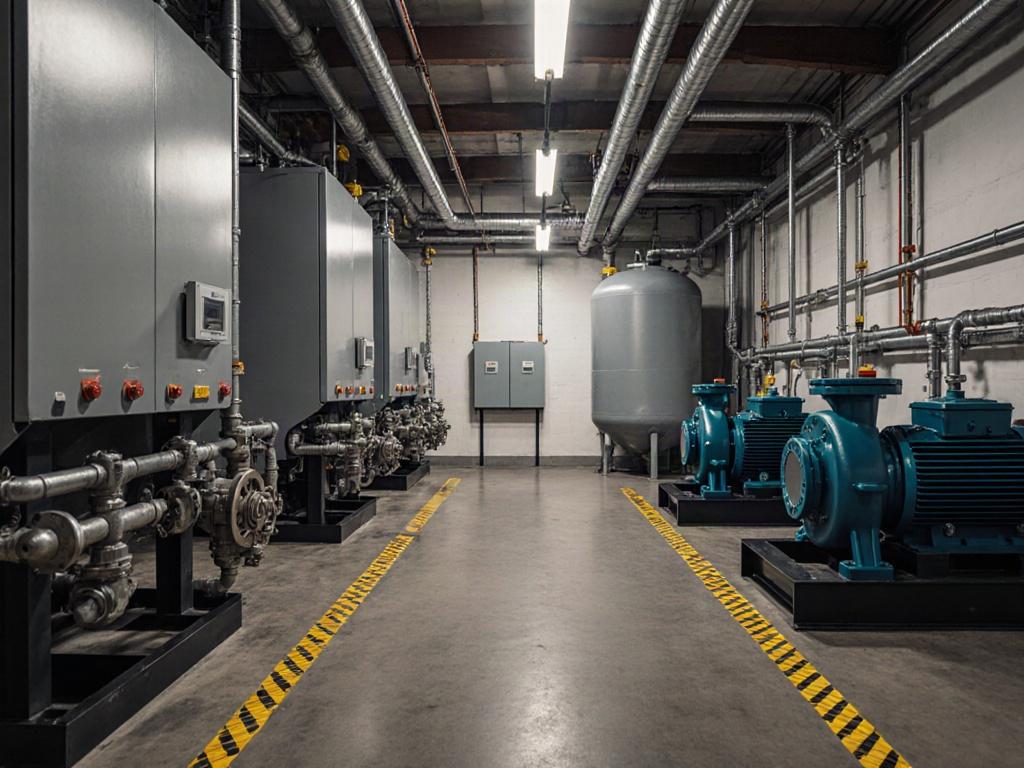
Illustrative photo.
Who uses it
Built for the crew, and the people they report to
The facilities team
Owner Admins and Facilities Managers invite vendors, assign work, review what was logged and keep an eye on insurance status.
Technicians
Your own technicians work in the same queues as contractors, with the same records, so the history is never split between systems.
Contractors
Contractor Admins manage the company profile and employees. Contractor technicians log work.
Finance and leadership
Viewers see the records your team keeps. Contractors can't see your costs, and finance doesn't have to chase vendors for paperwork.
FAQ
Frequently asked questions
What can a contractor see?
Can one vendor work for several owners with one login?
What happens when we stop working with a vendor?
Do vendors need to install an app?
Keep reading
Related pages
- Work ordersQR-code reporting, one queue, and every job tracked to done.Read more
- Compliance and inspectionsCode-required inspections, results and certificates in one report, ready for an audit.Read more
- Punch listsPhoto capture on a phone, assignment, approval, and PDF or Excel export.Read more
- Commercial buildingsTenant requests, HVAC, elevator and life-safety maintenance, and the contractors who do half the work.Read more
See your buildings in BuildingHelm.
We'll show you a site set up from sample building documents, walk through the day-to-day work, and talk about what setting up yours would take.
Already a customer? Create your account.