K-12 school districts
Facility management for K-12 school districts
A small crew looking after many schools. BuildingHelm keeps every school's fire, playground and boiler inspections on schedule, takes work orders from every building, and turns the same records into the report your board asks for.

Sample data. Northfield University is a fictional university.
The problem
A handful of people, a dozen schools and a lot of inspections
A district maintenance department is usually a few people covering every school, the bus garage and the administration building. Teachers report problems by email, by phone and by stopping whoever walks past. The list of open work lives in somebody's head.
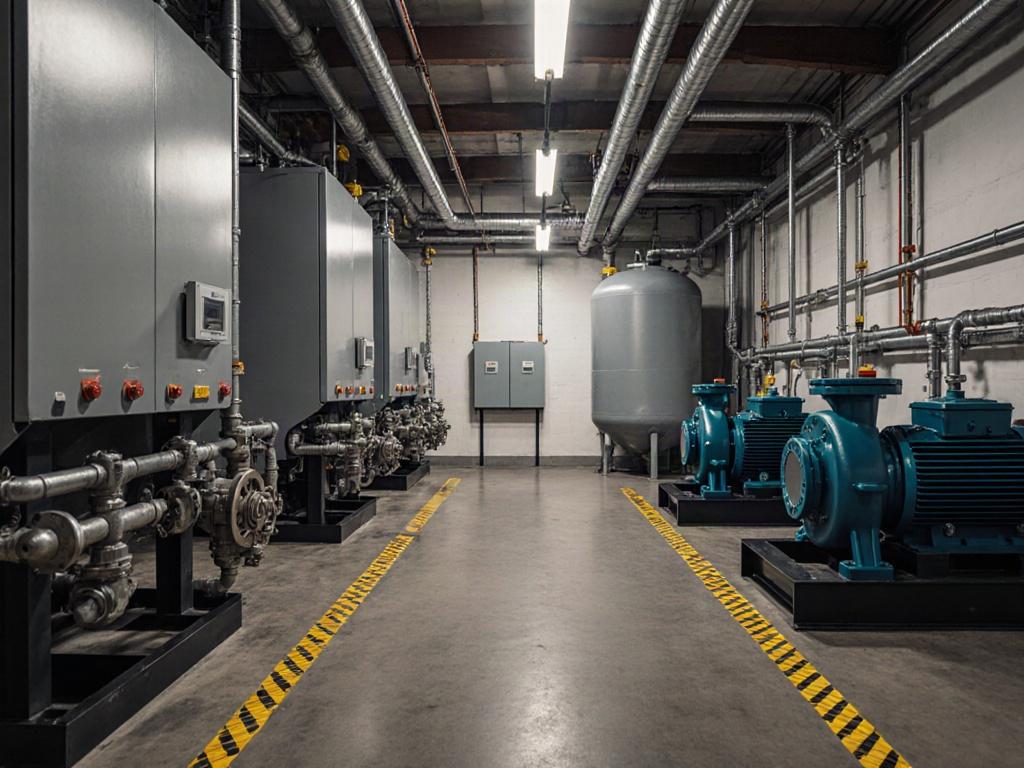
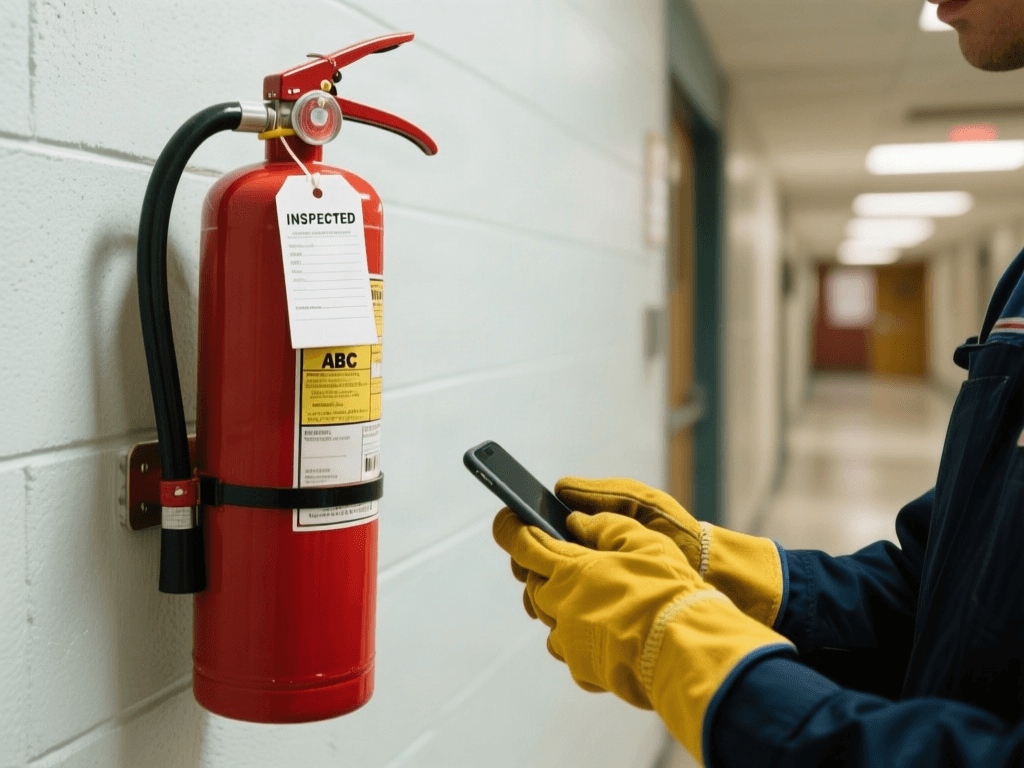
Then there are the inspections: fire extinguishers and alarms, sprinklers, boilers, playground equipment, kitchen hoods, emergency lighting. Each has its own schedule and its own inspector. Miss one and you hear about it from the fire marshal or the state.
When the board asks which roofs and boilers need replacing in the next five years, the answer comes from a spreadsheet built the week before the meeting.
How BuildingHelm handles it
Every school, every inspection and every request in one place
BuildingHelm gives each school its own buildings, rooms and equipment, so the crew sees what's due across the district, and the principal's request lands on the right boiler.

Fire, playground and boiler inspections
Schedule each inspection on its equipment, mark the ones the code requires, and record the result and the certificate. See compliance tracking.
Requests from teachers and staff
Anyone can report a problem from a QR label in the classroom or a link on the staff page, without an account. See work orders.
Urgent work first
Every work order has a priority, Emergency, High, Medium or Low. Overdue emergency and high-priority work shows in the Needs you strip at the top of every manager's Home.
Built for a small crew
One daily digest instead of a message for every task, and overdue lists by school, so a few people can keep ahead of many buildings.
Summer projects and punch lists
Walk each school before the first day, capture what needs fixing with a photo, and send the list to the contractor. See punch lists.
Board reports from real records
The capital plan by year, the deferred maintenance backlog and the FCI for each school, exported to PDF or Excel for the board packet. See capital planning.
Contractors under control
Vendors see only the work you assign them, log it from their phones, and keep their insurance certificate on file. See the contractor portal.
Preventive maintenance that keeps going
Filter changes, belt checks and boiler service on a schedule that moves forward on its own when the work is marked done. See preventive maintenance.
Set up in a day
Set up every school from the documents you already have
Most districts have drawings and binders from every bond project and renovation. Import them building by building. The AI reads every page and proposes each building's floors, rooms and equipment, with warranties and maintenance tasks from the manuals, for your team to check.
What you can upload
- Floor plans and as-built drawings for each school
- O&M manuals from bond projects and renovations
- Closeout binders and warranty letters
- Inspection reports and equipment lists
How it works
From setup to a working routine
Step 1: Upload each school's documents
Drawings, manuals and closeout binders as PDFs, scans, photos, ZIP archives or whole folders, one building at a time, or your equipment spreadsheet.
Step 2: Review school by school
Accept, edit or skip each item, with the page it came from beside it. Go live with one school and add the rest later.
Step 3: Schedule the inspections
Mark the inspections the code requires, with the inspecting authority and certificate expiration, and assign each one.
Step 4: Label classrooms and equipment
Print QR labels so teachers can report a problem and your crew can open the equipment with a scan.
Step 5: Report to the board
Export the capital plan, FCI and compliance report when the board, the state or the insurer asks.
Your crew's records become the evidence for the next bond or capital request. Book a demo and we'll walk through a district set up from sample documents.
Illustrative photo.
Who uses it
Built for the crew, and the people they report to
The facilities team
The maintenance director assigns work, watches every school's overdue list and builds the capital plan for the board.
Technicians
Custodians and technicians see their jobs on a phone, scan a label to open the equipment, and mark work done between buildings.
Contractors
Contractors log inspections and repairs for the equipment they service, see only what's assigned to them.
Finance and leadership
Business officials and the superintendent get a read-only view of the capital plan, FCI and cost reports.
FAQ
Frequently asked questions
Does BuildingHelm know which inspections our state requires?
Can teachers report problems without an account?
Will it hold student records?
Can we start with one school?
Keep reading
Related pages
- Compliance and inspectionsCode-required inspections, results and certificates in one report, ready for an audit.Read more
- Capital planning and FCIA deferred maintenance backlog, FCI by building and a replacement plan by year.Read more
- Work ordersQR-code reporting, one queue, and every job tracked to done.Read more
- Colleges and universitiesResidence halls, summer turnover, deferred maintenance and buildings from different decades on one site.Read more
See your buildings in BuildingHelm.
We'll show you a site set up from sample building documents, walk through the day-to-day work, and talk about what setting up yours would take.
Already a customer? Create your account.