Work orders
Track a repair request
Anyone who reports a problem gets a tracking link that shows where the repair stands, with no account needed.
- Who it's for
- People who report problems in your buildings
- Where
- On a phone0:50 video
Steps
Step 1: Open the tracking link from your report.
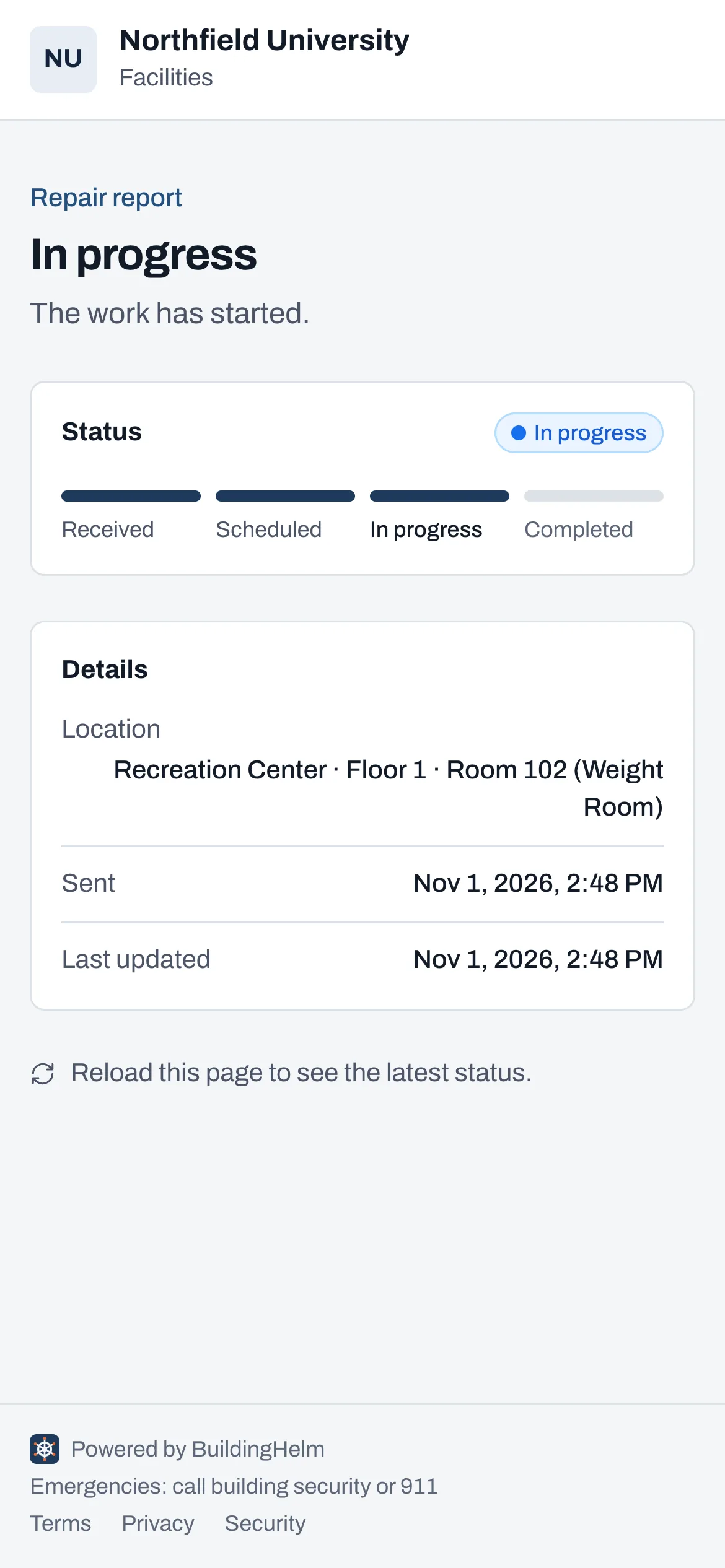
Step 2: See where the repair stands.
Step 3: Check the location and dates.
Step 4: Choose Email me updates to get the news by email.
Step 5: Reload the page for the latest status.
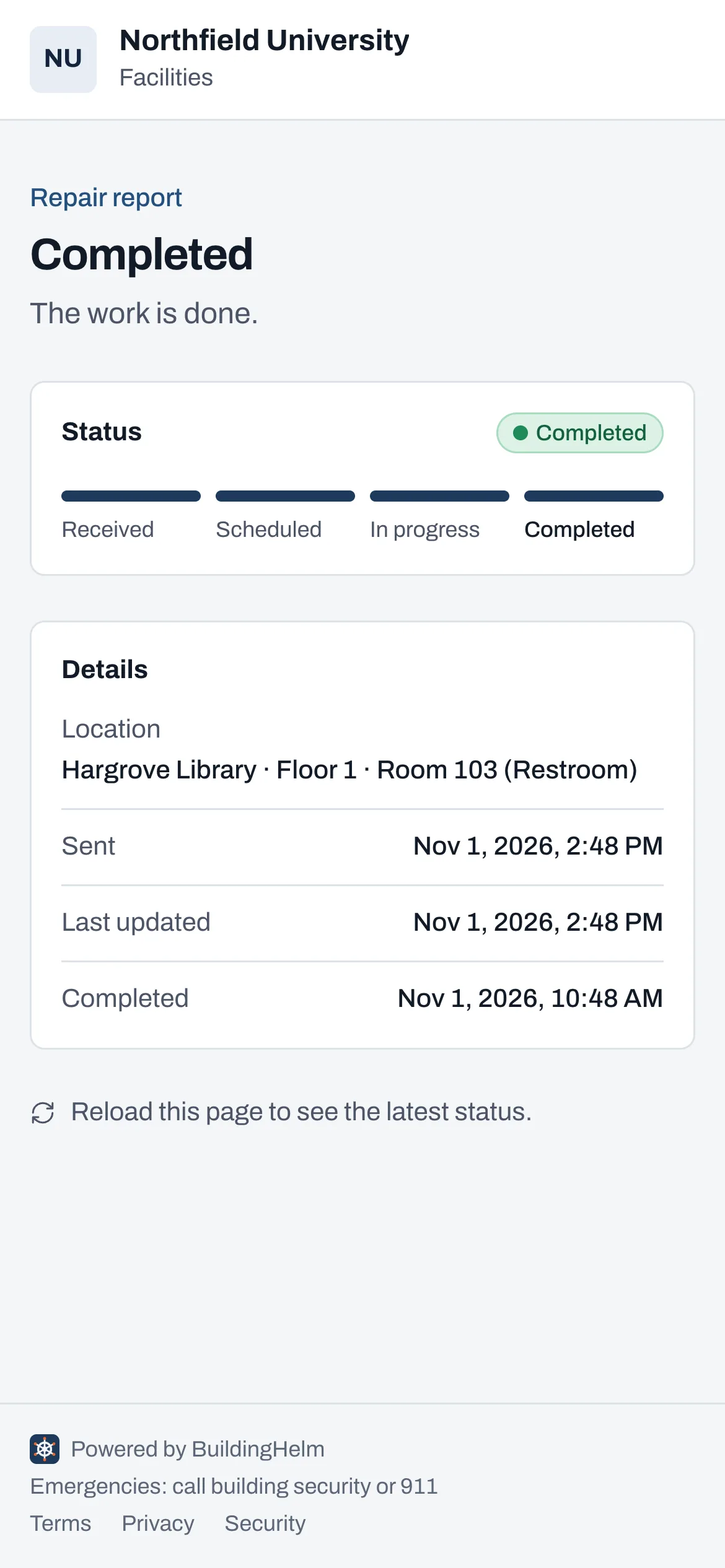
Step 6: When the work is done, the page says Completed.
Step 7: Other outcomes are shown here too.
Transcript
Show the transcript
When you report a problem, you get a tracking link. It's on the Request sent screen after you send the report, and in your email if you left one. You don't need an account to open it.
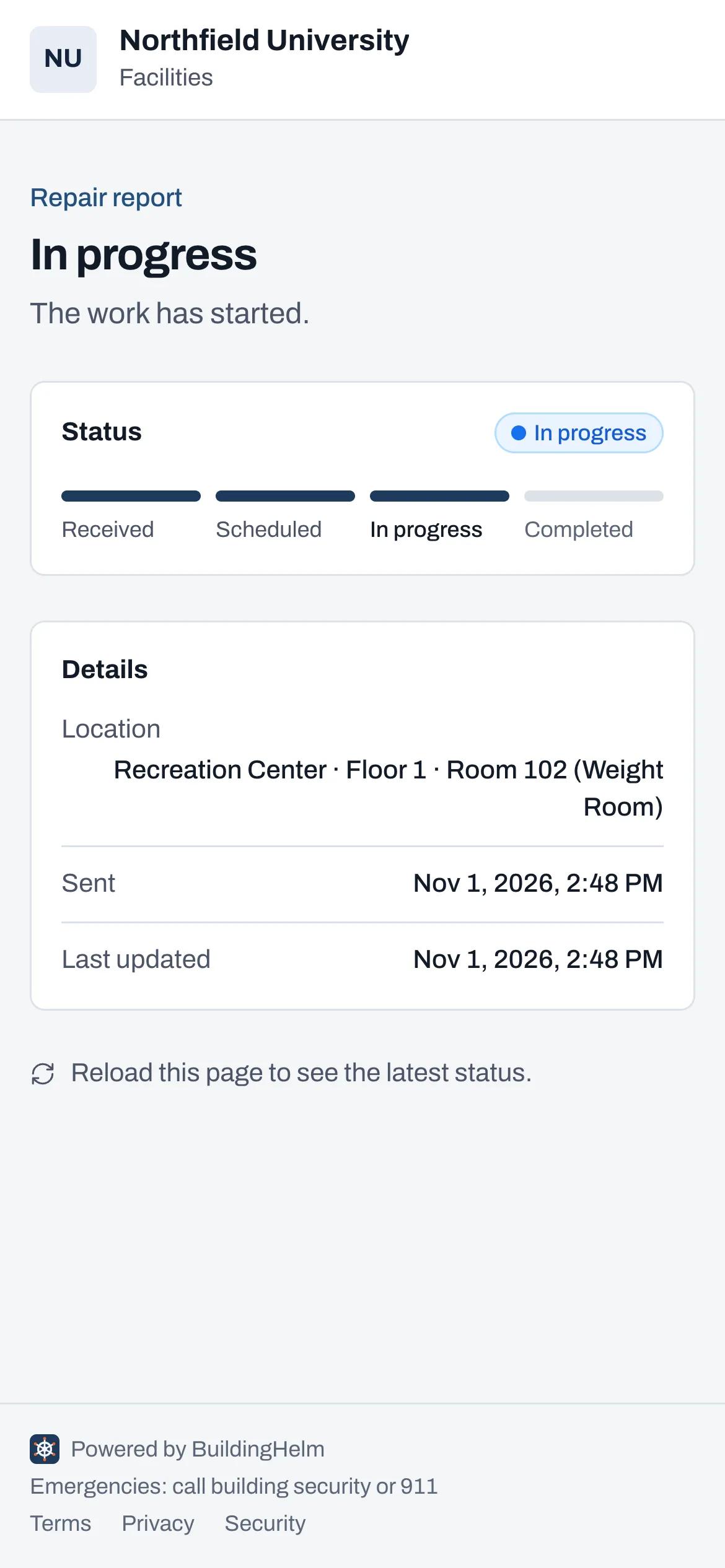
The status shows where your repair is: received, scheduled, in progress or completed. This one is in progress, so the work has started.
Below are the place you reported, when you sent it and when it was last updated. For privacy, the page never shows names or contact details.
The Email me updates box lets you add your email to a report you sent without one, and we send you the tracking link. If an email is already on the report, a switch turns the status emails on or off.
Keep the link. Reload the page whenever you want the latest news.
When the work is finished and checked, the page says Completed, with the date it was done.
If your report was combined with someone else's, or the work won't be done, the page tells you that too. For anything else, contact your facilities office.